Air Type smartphone-to-window Auto Type, Paste, or Resume Tool
Pro Subscription Plans
7-Day Free Trial
Try all premium features free for 7 days!
In-App Purchases processed securely via Google Play Billing.
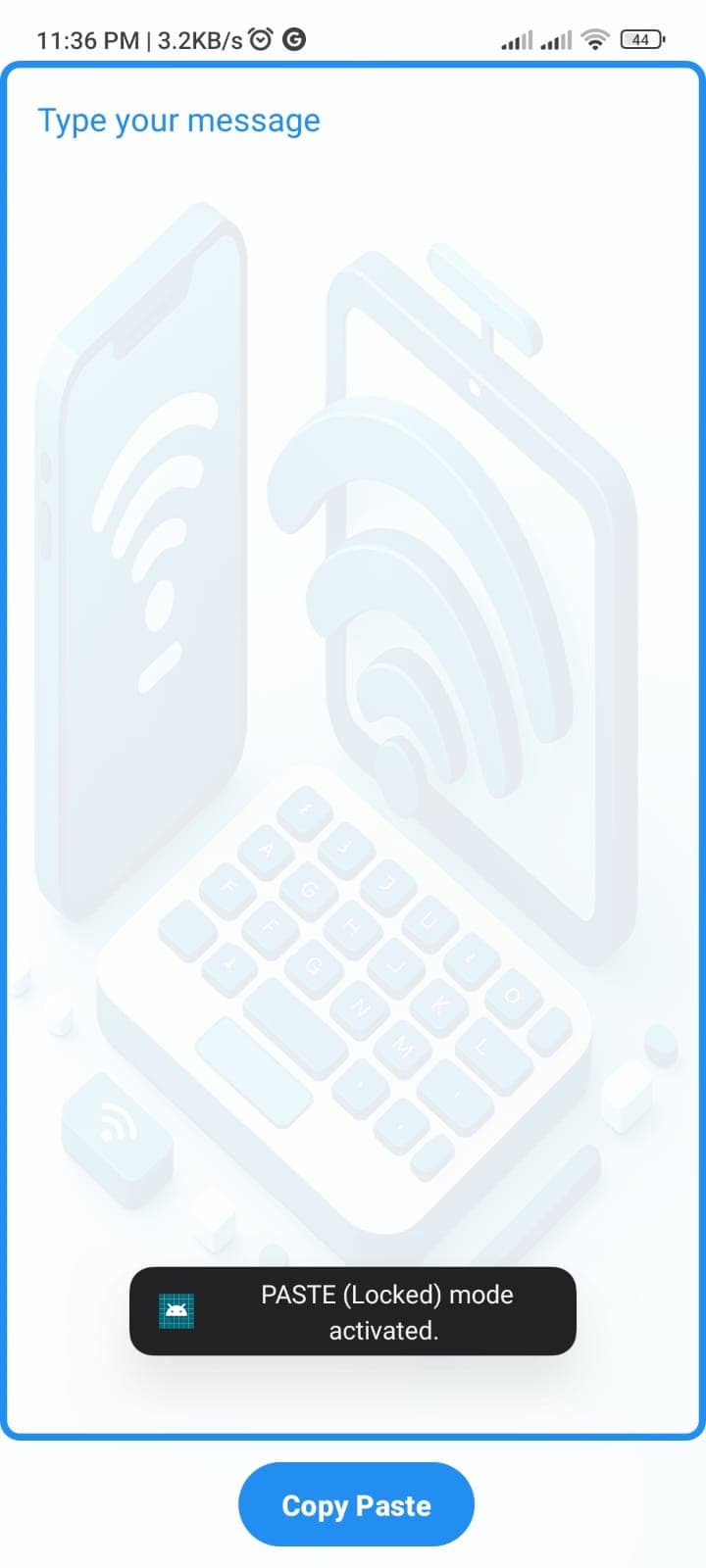
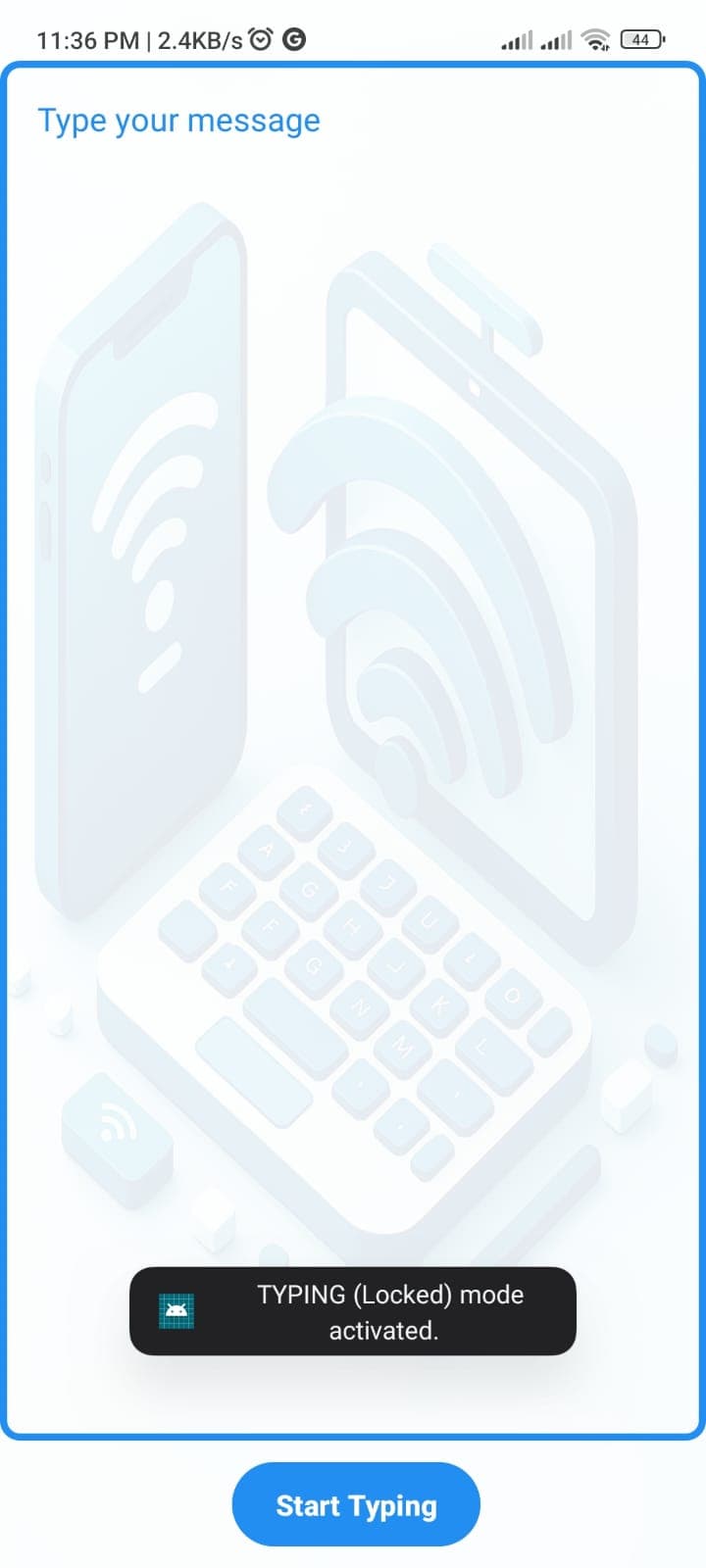
Air Type Preview
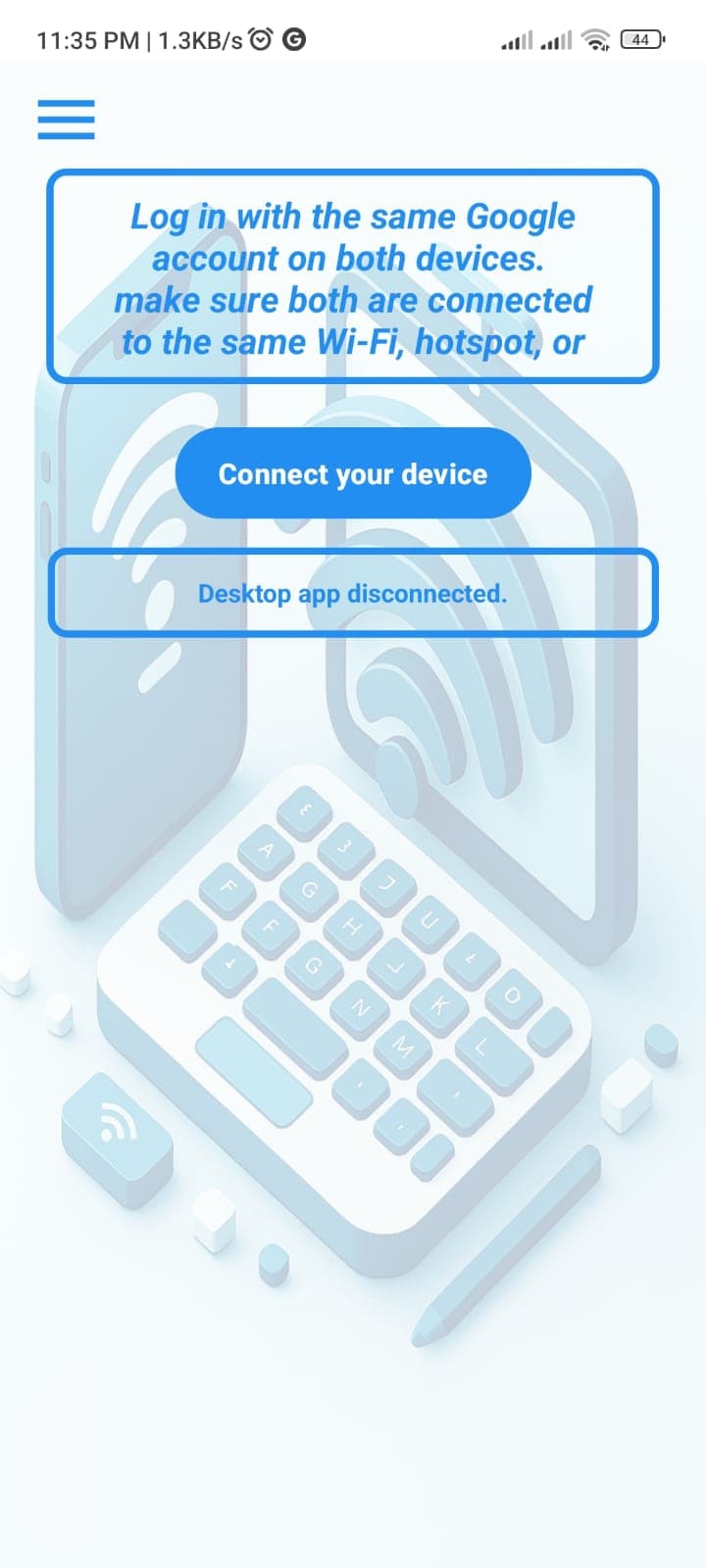
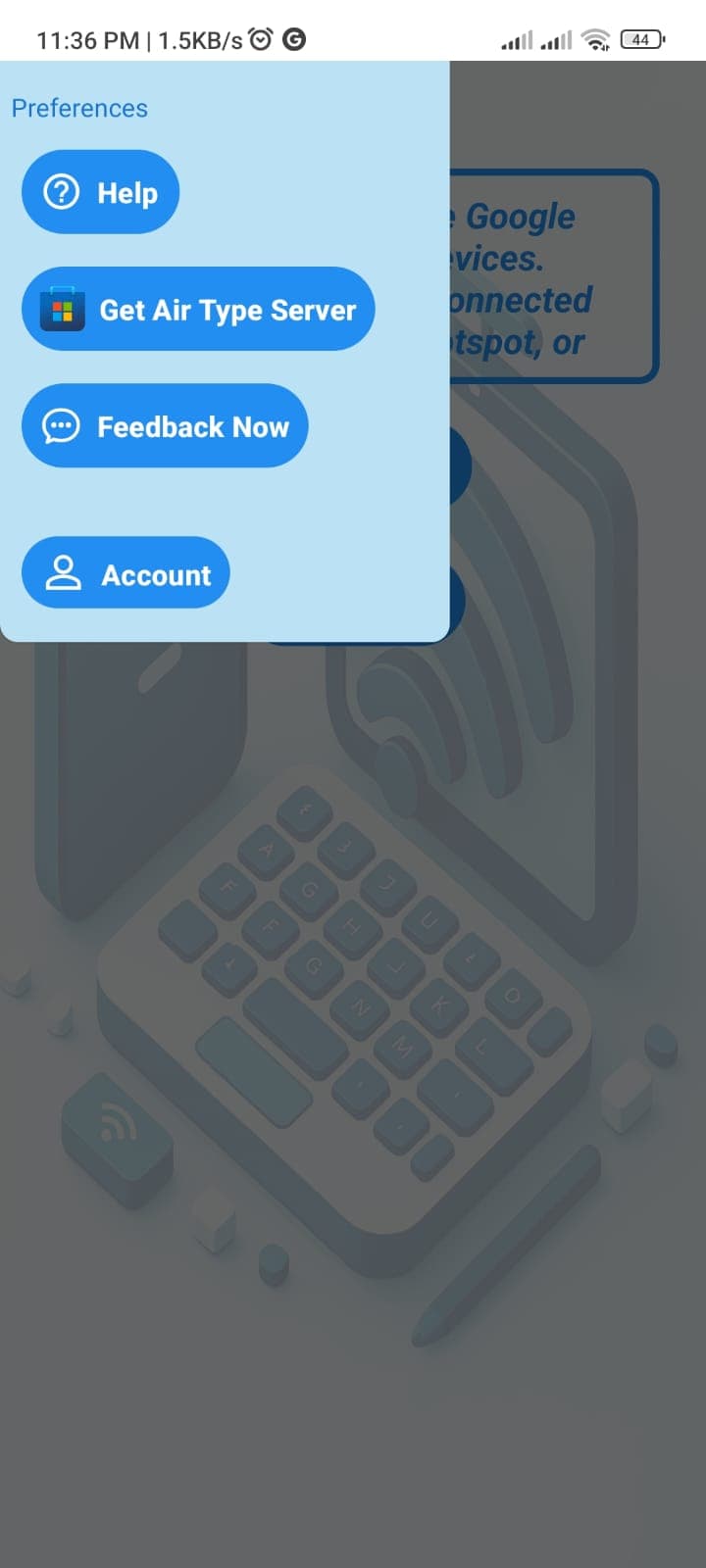
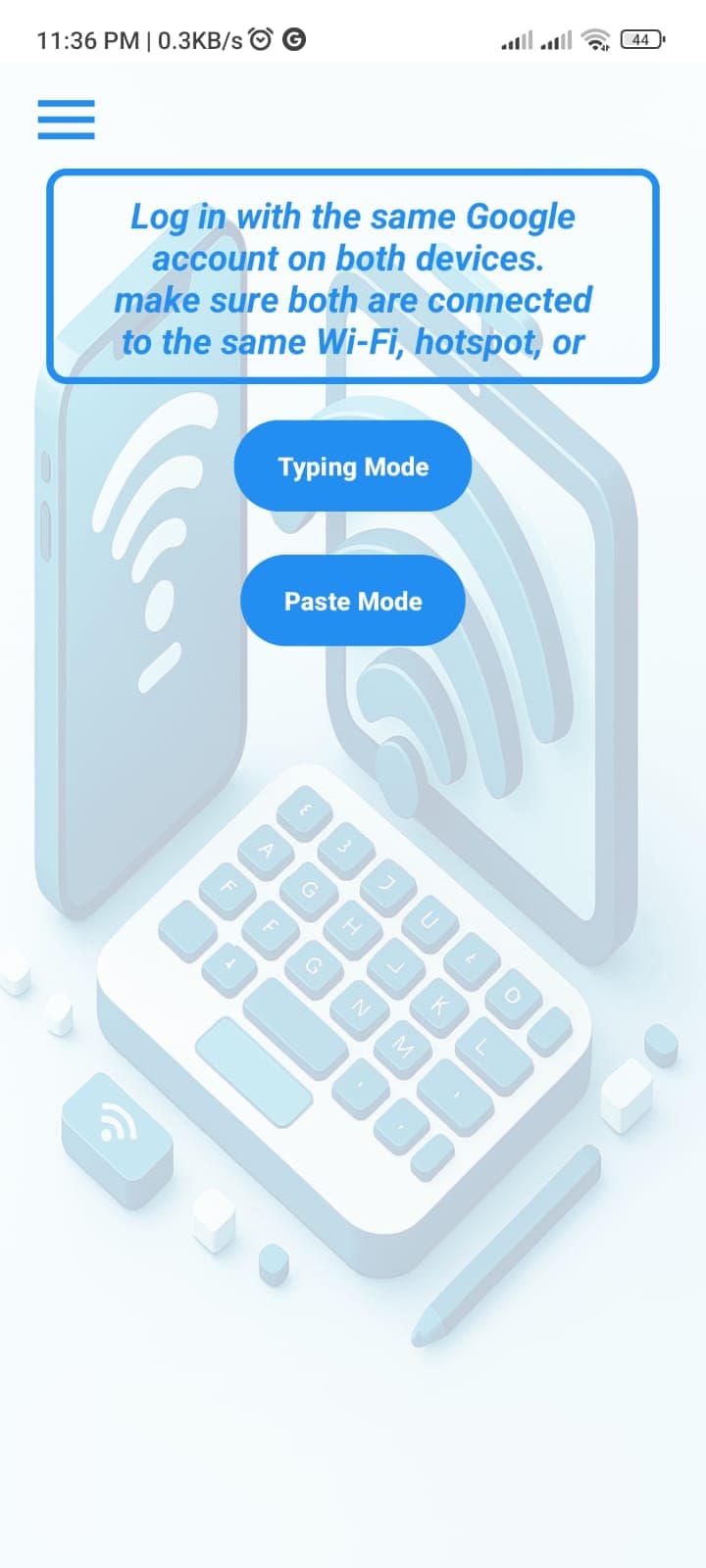
AirType Server
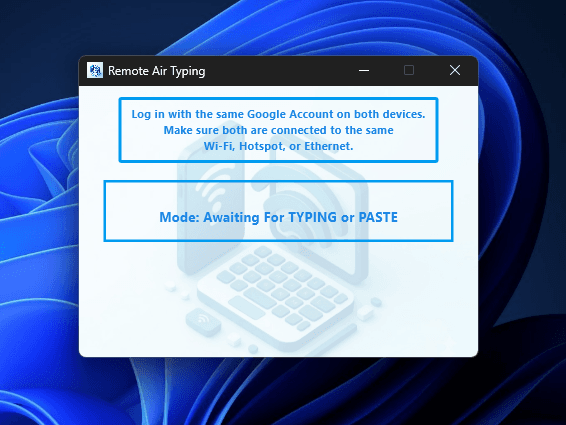
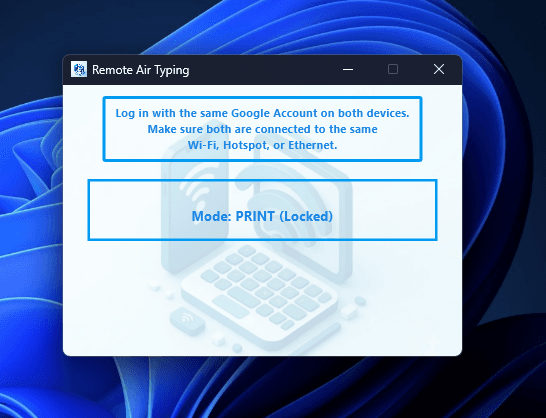
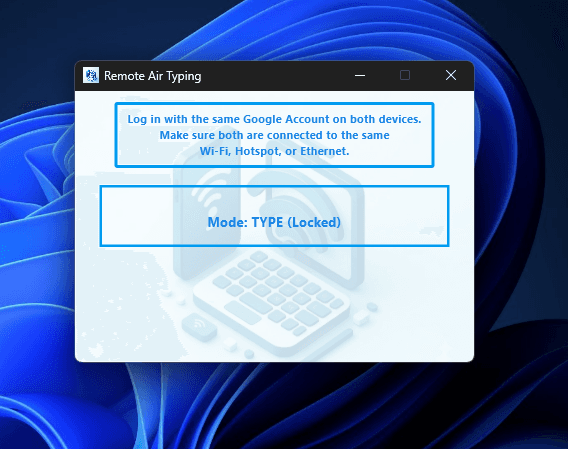
About Air Type
Air Type is a professional productivity utility that transforms your Android smartphone into a high-speed wireless keyboard and control hub for your Windows device.
By connecting both devices over a local Wi-Fi, Hotspot, or Ethernet connection, you can instantly stream typed text, send clipboard contents, and manage text flow—all seamlessly into any Windows application, including MS Word, Excel, web browsers, and code editors.
Key Features
- •Instant Typing & Clipboard Syncing – Stream text as you type or paste entire blocks of text onto your Windows screen with zero latency.
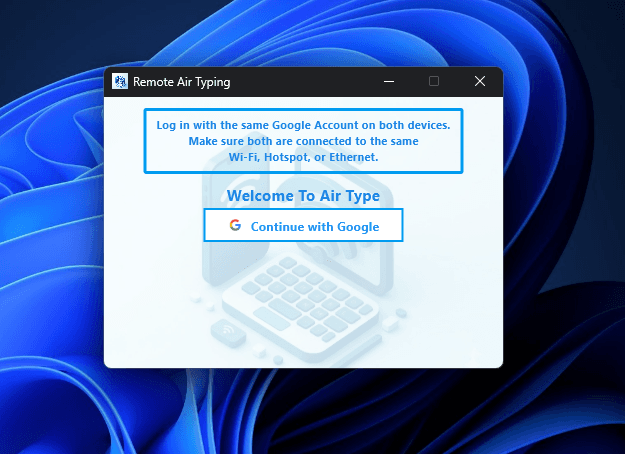
- •Auto Sync via Google Account – Simply sign in with the same Google account on both devices for automatic pairing.
- •Live Transmission Controls – Pause, resume, or clear text output mid-stream to ensure full control over what appears on your Windows screen.
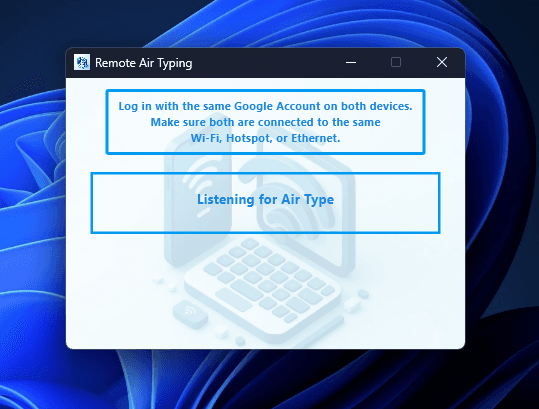
- •Official Microsoft Store Companion – Install and open the verified AirType Server directly from the Microsoft Store for a quick and safe setup.
- •Universal Windows Compatibility – Works out of the box with Windows 10 and 11 across all laptops and desktops.
- •Seamless Google Authentication – Secure and passwordless login setup across mobile and Windows environments.
How to Set Up
- Install Windows App: Search and install AirType Server from the Microsoft Store on your Windows device.
- Sign In: Log in using the same Google Account on both your Android device and the Windows app.
- Auto Connect: Ensure both devices are connected to the same local network (Wi-Fi, Mobile Hotspot, or Ethernet). They will automatically detect and pair with each other.
- Start Typing: Use your smartphone screen to type, paste, pause, or resume text flow directly onto your Windows screen!
Why Choose Air Type?
Designed for remote workers, coders, writers, and power users, Air Type eliminates friction between mobile and Windows workflows.
Whether you need to paste long messages, type comfortably from your phone, or manage live text delivery, Air Type turns your mobile device into a versatile remote input tool for Windows.